
How to Integrate a Plugin
The information on this page relates to the new upgraded interface of the IConduct platform. To view information about the Classic version of the user interface, follow this link.
Before you start working with the Plugin, you need to integrate it into the IConduct platform.
To Upload a Plugin:
- Select Plugins in the Main Menu. The Plugins work area appears with the relevant toolbar.
- Press Create plugin. The Plugin page opens.
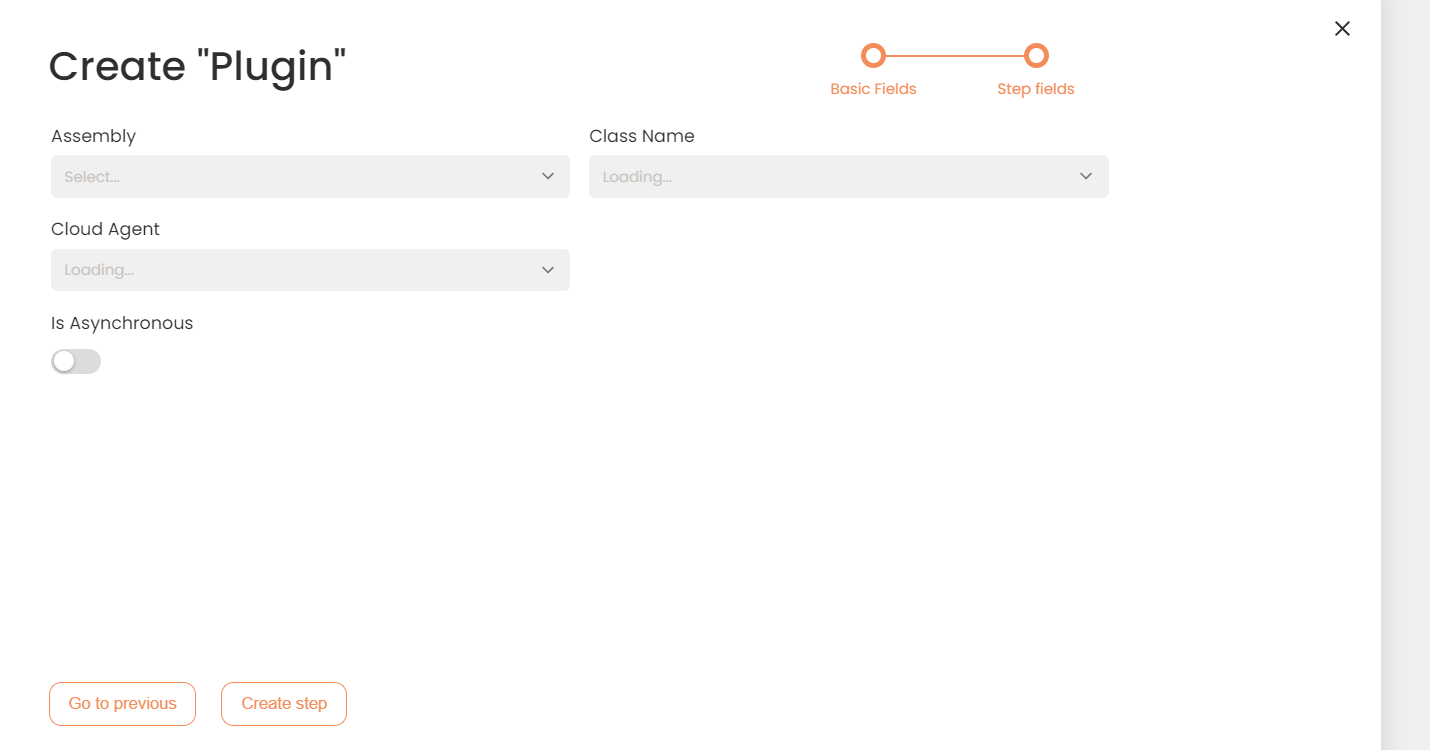
A New Plugin Page
- Click Choose File to upload your plugin file.
- Press Create to save and the current plugin. The new plugin appears in the Plugins work area.
Note: The Assembly File must be uploaded in the .dll file format.